

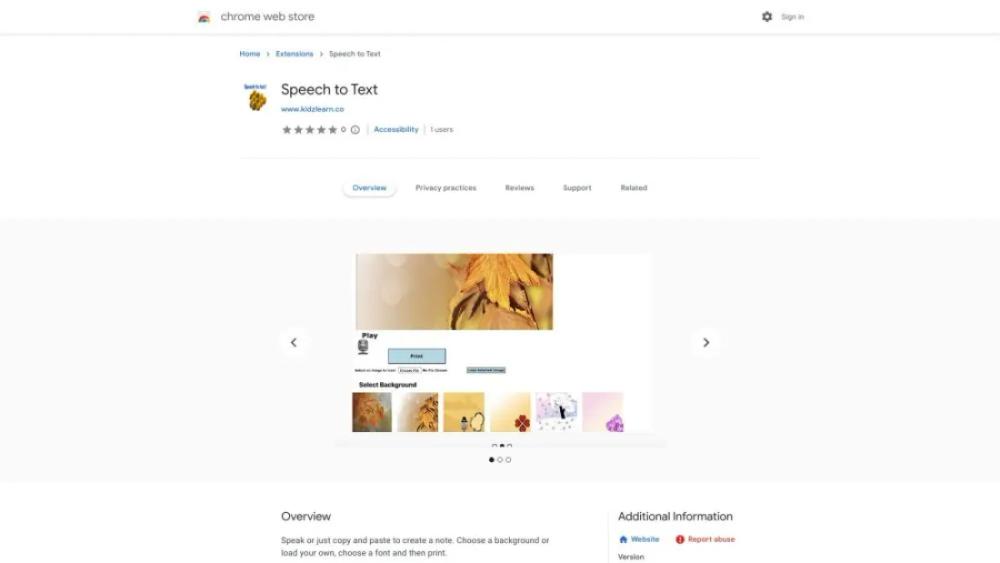
What is EasyNote?
This browser extension converts spoken language into written text, providing an efficient solution for users who prefer dictation over typing. It supports multiple languages and can be used in various online platforms, making it versatile for different needs. The tool is designed to enhance productivity, especially for those with disabilities or anyone looking to streamline their workflow. With a user-friendly interface, it ensures easy navigation and quick setup. The extension integrates seamlessly with other applications, offering real-time transcription with high accuracy. It’s an ideal choice for students, professionals, and anyone looking to improve their digital communication experience.
EasyNote Use Cases
- For StudentsStudents can use this tool to quickly convert their spoken notes into text during lectures, ensuring they don't miss any important details while focusing on the lecture.
- For WritersWriters can use the service to dictate their ideas and drafts, making the writing process faster and more fluid, especially during brainstorming sessions.
- For Business ProfessionalsBusiness professionals can utilize this tool to transcribe meeting discussions and conference calls, ensuring accurate records and saving time on manual note-taking.
- For JournalistsJournalists can benefit from using this service to transcribe interviews and press conferences, making it easier to quote sources accurately and efficiently.
- For Language LearnersLanguage learners can use the tool to practice their speaking skills and see their spoken words converted into text, helping them to improve pronunciation and fluency.
Who is Using EasyNote?
- Writer: This service can be used by writers to quickly transcribe their spoken ideas into text, making the process of drafting and editing more efficient and allowing them to focus on creativity rather than typing.
- Journalist: Journalists can utilize this tool to transcribe interviews and field notes accurately, saving time on manual transcription and enabling them to concentrate on content creation and story development.
- Screenwriter: Screenwriters can dictate dialogue and scene descriptions directly into their scripts, streamlining the writing process and helping them to capture spontaneous ideas more effectively.
- Researcher: Researchers can use this service to transcribe recorded lectures, interviews, and meetings, ensuring that they have accurate and searchable text for analysis and reference.
- Lecturer: Lecturers can benefit from this tool by transcribing their spoken lectures into text, which can then be shared with students as notes or used to create written materials for online courses.
EasyNote Key Features
- Supports multiple languages and dialects
- Real-time speech recognition
- Easy integration with other apps
- Customizable settings and preferences
- High accuracy and fast processing
FAQ
What is Speech to Text?
Speech to Text is a Chrome extension that converts spoken words into written text in real time.
How do I install the Speech to Text extension?
You can install the Speech to Text extension by visiting the Chrome Web Store, searching for 'Speech to Text', and clicking the 'Add to Chrome' button.
Which languages does the Speech to Text extension support?
The Speech to Text extension supports multiple languages. You can find the list of supported languages in the extension's settings.
Is the Speech to Text extension free to use?
Yes, the Speech to Text extension is available for free on the Chrome Web Store.
Can I use the Speech to Text extension offline?
No, the Speech to Text extension requires an internet connection to function as it relies on online speech recognition services.


