

What is Prezi?
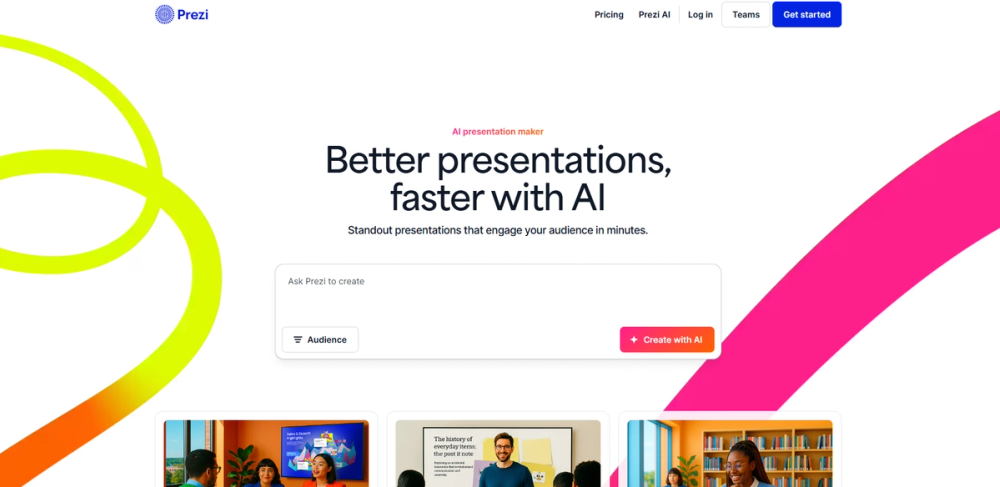
Prezi is a leading visual communication platform that breaks away from the traditional linear slide format. Known for its signature "zooming" user interface, Prezi allows users to create a dynamic map of their ideas, moving seamlessly between the big picture and fine details. With the integration of Prezi AI, the platform now enables users to transform raw text into professional, structured presentations instantly. Whether it’s Prezi Present, Prezi Video, or Prezi Design, the suite is designed to make meetings more engaging and storytelling more impactful.
Prezi Use Cases
- For Sales Professionals: Create highly persuasive "zoomable" pitches that allow you to jump to specific details based on client questions without flipping through slides.
- For Educators: Develop interactive lesson maps that help students visualize the relationship between different concepts, improving information retention.
- For Remote Teams: Use Prezi Video to overlay your presentation graphics directly onto your camera feed during Zoom or Microsoft Teams calls for a professional "newsroom" feel.
- For Conference Speakers: Deliver memorable keynote speeches that stand out with cinematic transitions and non-linear storytelling.
- For Marketing Teams: Design high-impact data visualizations and infographics that can be easily shared as interactive content or social media videos.
Who is Using Prezi?
- Educator: Engage students by turning static lectures into interactive journeys, making complex subjects easier to understand through spatial relationships.
- Sales Representative: Close more deals by delivering flexible, conversation-driven presentations that adapt to the prospect's needs in real-time.
- Public Speaker: Captivate large audiences with visually stunning transitions that reinforce the narrative flow of a keynote.
- Project Manager: Present project roadmaps and big-picture strategies while being able to dive into specific task details instantly.
- Student: Create standout academic projects that demonstrate a deep understanding of subject matter through creative visual layouts.
Prezi Key Features
- Prezi AI (Auto-generation of layouts and content)
- Zooming User Interface (Non-linear storytelling)
- Prezi Video (Overlay content on live video)
- Extensive Template Library for Business and Education
- Presenter Analytics (Track viewer engagement and reach)
FAQ
What is Prezi?
Prezi is a cloud-based presentation software that uses a single canvas and zooming transitions instead of traditional linear slides.
Does Prezi have AI features?
Yes, Prezi AI helps users generate entire presentation drafts, suggest layouts, and refine text to make content more concise and visually appealing.
Can I use Prezi Video with Zoom?
Absolutely. Prezi Video integrates with major video conferencing tools like Zoom, Microsoft Teams, and Google Meet to show your content next to you on screen.
Is there a free version of Prezi?
Yes, Prezi offers a "Basic" plan for free, which allows you to create and share presentations online. Paid plans offer privacy controls and offline access.
Can I import my PowerPoint slides into Prezi?
Yes, Prezi allows you to import existing PowerPoint files and convert them into dynamic, zoomable Prezi presentations easily.


