

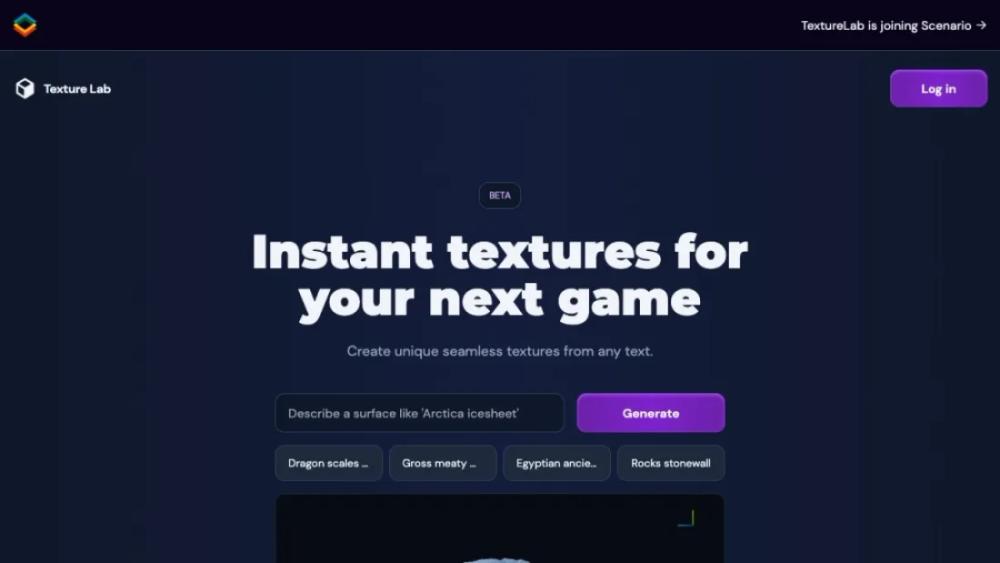
What is Texture Lab?
This website offers a vast collection of high-quality textures for various creative projects. Users can browse and download textures in categories such as fabric, metal, wood, and more. Each texture is available in high resolution, ensuring they meet professional standards for graphic design, 3D modeling, and digital art. The site features an intuitive interface, making it easy to find and preview textures before downloading. Additionally, users can access tutorials and resources to enhance their projects. With regular updates and a commitment to quality, this platform is an essential tool for designers and artists seeking premium textures.
Texture Lab Use Cases
- Graphic DesignersUse it to create unique, high-resolution textures for backgrounds, overlays, and other design elements in your projects, enhancing the visual appeal and originality of your work.
- Game DevelopersGenerate realistic textures for game environments, characters, and objects, improving the immersive experience and visual quality of your games without the need for extensive manual creation.
- ArchitectsUtilize it to develop detailed texture maps for 3D models and architectural visualizations, bringing your designs to life with realistic surfaces and materials.
- Web DesignersIncorporate custom textures into website backgrounds, buttons, and other UI elements to create a distinctive and engaging user experience that stands out from generic designs.
- Marketing ProfessionalsCreate eye-catching visuals for advertisements, social media posts, and promotional materials by integrating unique textures that draw attention and convey your brand's message effectively.
Who is Using Texture Lab?
- Designer: This tool can be used to generate unique textures for various design projects, from website backgrounds to print materials, allowing designers to create visually appealing and cohesive designs.
- Architect: Architects can use this resource to explore and apply different textures to 3D models and visualizations, enhancing the realism and aesthetic appeal of their architectural presentations.
- Animator: Animators can incorporate a variety of textures into their animations to add depth and detail to characters, environments, and special effects, making their animations more engaging and lifelike.
- Game Designer: Game designers can utilize this service to create diverse and realistic textures for game assets, including terrains, characters, and objects, thereby improving the overall visual quality of their games.
- Illustrator: Illustrators can use this tool to experiment with different textures in their digital artwork, adding complexity and richness to their illustrations, which can make their work stand out.
Texture Lab Key Features
- High-quality texture generation
- AI-powered texture creation
- Customizable texture parameters
- Seamless texture tiling
- User-friendly interface
FAQ
What is TextureLab?
TextureLab is an online platform that allows users to create, edit, and download high-quality textures for various design projects.
How do I create a texture?
To create a texture, simply choose a base pattern, customize it using the available tools, and then download the final design in your preferred format.
Is TextureLab free to use?
TextureLab offers both free and premium plans. The free plan includes basic features, while the premium plan provides access to advanced tools and high-resolution downloads.
What file formats are supported for downloads?
TextureLab supports multiple file formats for downloads, including PNG, JPEG, and SVG, ensuring compatibility with various design software.
Can I use the textures for commercial projects?
Yes, textures created on TextureLab can be used for both personal and commercial projects, as long as you comply with the terms of service.


