

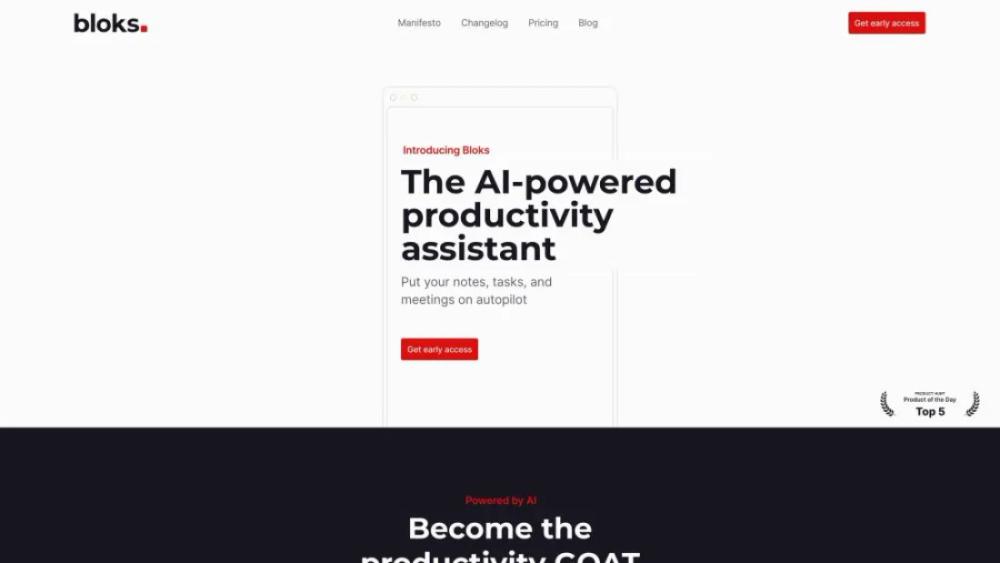
What is Bloks?
This platform offers a versatile tool for creating and managing digital content. It provides an intuitive drag-and-drop interface that allows users to design and publish web pages, blogs, and other online materials without needing to write code. The service includes various customizable templates and blocks, making it easy to tailor the design to specific needs. Additionally, it supports integrations with popular third-party applications and services, enhancing functionality and user experience. Ideal for both beginners and experienced users, the platform aims to streamline the process of building a professional online presence quickly and efficiently.
Bloks Use Cases
- For Content CreatorsCreate visually appealing, interactive blog posts and articles that engage your audience and keep them coming back for more.
- For Small BusinessesDesign and share promotional materials, newsletters, and announcements to attract and retain customers.
- For EducatorsDevelop interactive lessons and educational content that make learning more engaging for students.
- For MarketersCraft compelling marketing campaigns and social media posts that capture attention and drive conversions.
- For Event PlannersCreate and distribute visually stunning event invitations, schedules, and updates to ensure attendees are well-informed and excited.
Who is Using Bloks?
- Writer: This service can help writers organize their ideas, create outlines, and track progress. It allows for seamless collaboration with editors and other team members, ensuring that all feedback and revisions are easily managed and incorporated.
- Designer: Designers can use this tool to manage their projects, create visual mood boards, and collaborate with clients. It streamlines the design process by organizing assets and feedback, making it easier to iterate and refine designs.
- Photographer: Photographers can organize their shoots, manage client interactions, and keep track of editing tasks. The platform allows for easy sharing of proofs and final images, facilitating smooth communication and approval processes with clients.
- Animator: Animators can benefit from this service by organizing their animation projects, managing timelines, and collaborating with other team members. It helps streamline the workflow from storyboard to final render, ensuring all elements are on track.
- Project Manager: Project managers can use this tool to plan, execute, and monitor projects. It offers features for task assignment, deadline tracking, and team collaboration, ensuring that all project elements are aligned and progressing as planned.
Bloks Key Features
- Drag-and-drop page builder
- Responsive design templates
- Customizable content blocks
- SEO-friendly features
- Integration with third-party services
FAQ
What is Bloks.app?
Bloks.app is a powerful tool for creating, managing, and sharing interactive and collaborative documents and workflows.
How do I get started with Bloks.app?
To get started with Bloks.app, simply sign up for an account on our website, and you'll be guided through the process of creating your first document or workflow.
Can I collaborate with others using Bloks.app?
Yes, Bloks.app allows you to invite collaborators to your documents and workflows, making it easy to work together in real-time.
Is there a mobile version of Bloks.app?
Yes, Bloks.app is accessible from both desktop and mobile devices, allowing you to work on the go.
What kind of support does Bloks.app offer?
Bloks.app offers a variety of support options including a comprehensive help center, tutorials, and customer support via email and chat.


